


Golang+Angular+MariaDB #13 Font Awesome 아이콘 적용
Development/Go+Angular+MariaDB 2021. 2. 3. 20:40 |728x90
참고영상 : Consumindo uma (GO) API REST com Angular 7 Parte 4 # 28
참고 사이트 : angular-fontawesome (링크)
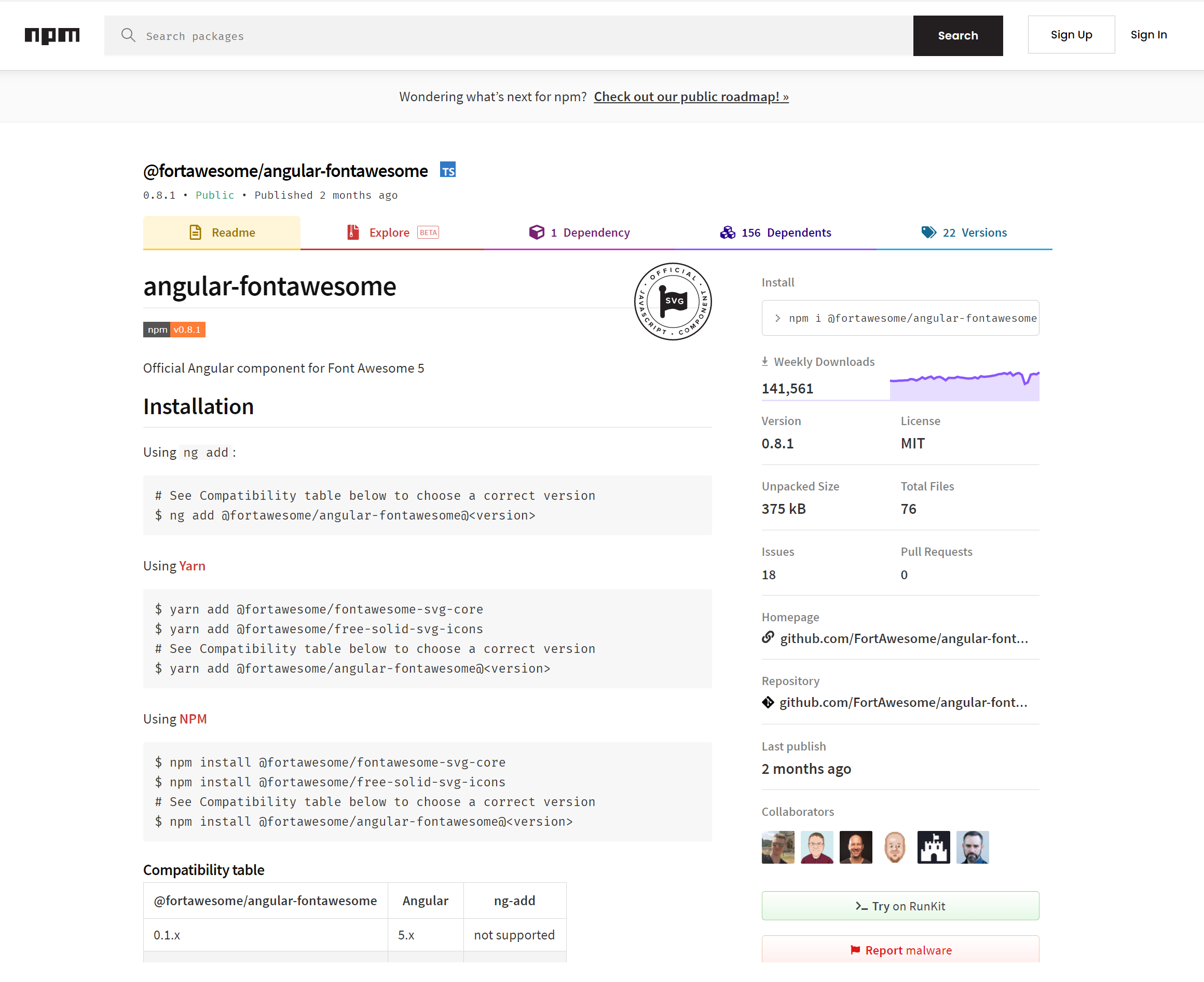
시작하기에 앞서, 영상에서는 HTML <head> 태그에 link를 추가하지만
저는 귀찮은 방법이지만 angular를 직접 활용 사용하겠습니다.
더보기
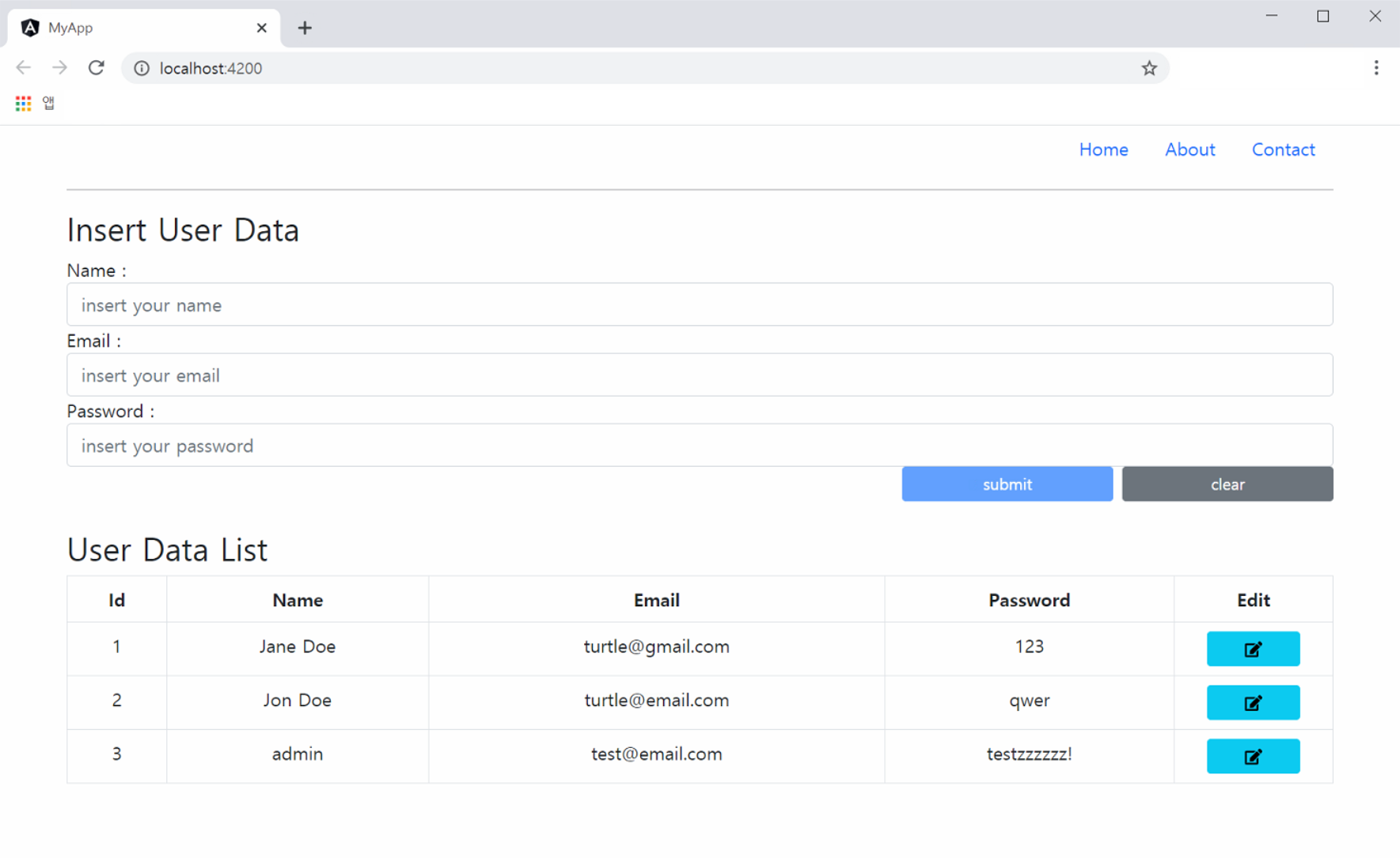
Web 결과화면
NPM Install
npm install @fortawesome/fontawesome-svg-core
npm install @fortawesome/free-solid-svg-icons
npm install @fortawesome/angular-fontawesome
src/app/app.modules.ts 수정
...

// 코드 추가
import { FontAwesomeModule } from '@fortawesome/angular-fontawesome';
import { FaIconLibrary } from '@fortawesome/angular-fontawesome';
import { faEdit } from '@fortawesome/free-solid-svg-icons';

@NgModule({
  declarations: [
    AppComponent
  ],
  imports: [
    ...

    // 코드 추가
    FontAwesomeModule
  ],
  providers: [],
  bootstrap: [AppComponent]
})
export class AppModule {

  // 코드 추가
  constructor(library: FaIconLibrary) {
    library.addIcons(faEdit);
  }
}
src/app/app.component.html 수정
<div class="container">
  <header>
    ...
  </header>

  <hr>

  <div class="row">
    ...
  </div>

  <br>
  <div class="row">
    <div clas="col-md-12" *ngIf="users">

      <h3>User Data List</h3>

      <!-- table의 class 추가 : text-center -->
      <table class="table table-bordered table-hover text-center">
        <thead>
          <tr>
            <th>Id</th>
            <th>Name</th>
            <th>Email</th>
            <th>Password</th>
            <th>Edit</th>	<!-- 코드 추가 -->
          </tr>
        </thead>
        <tbody>
          <tr *ngFor="let user of users">
            <td>{{ user.id }}</td>
            <td>{{ user.name }}</td>
            <td>{{ user.email }}</td>
            <td>{{ user.password }}</td>
            <!-- 코드 추가 -->
            <td>
              <button type="button" class="btn btn-sm btn-info col-block col-lg-8">
                <fa-icon icon="edit"></fa-icon>
              </button>
            </td>
          </tr>
        </tbody>
      </table>
    </div>
  </div>
</div><fa-icon icon="edit"></fa-icon>
app.module.ts에서 liabray 정의한 아이콘을 사용하는 태그
728x90
'Development > Go+Angular+MariaDB' 카테고리의 다른 글
| Golang+Angular+MariaDB #15 User 정보 삭제 (0) | 2021.02.04 |
|---|---|
| Golang+Angular+MariaDB #14 User 정보 수정 (0) | 2021.02.03 |
| Golang+Angular+MariaDB #12 User 정보 등록 (0) | 2021.02.03 |
| Golang+Angular+MariaDB #11 입력을 위한 Form 세팅 (0) | 2021.02.02 |
| Golang+Angular+MariaDB #10 Bootstrap 적용 (0) | 2021.02.02 |